
Setting up secure remote working for a small business in Shropshire involves five core steps:
- Use a VPN to encrypt your team’s internet connections when working away from the office.
- Enable Multi-Factor Authentication (MFA) on every business account — especially email, Microsoft 365, and remote access tools.
- Keep all devices updated — patches close the security gaps that attackers exploit.
- Use business-grade cloud tools (Microsoft 365, Google Workspace) rather than free or personal apps for sharing work files.
- Train your staff to spot phishing emails and know what to do if something goes wrong.
The UK’s National Cyber Security Centre (NCSC) recommends these same measures as the foundation of remote working security for small organisations. A local IT support provider like Shropshire Computers can help you put all of this in place quickly and affordably.
Picture this: one of your team members is working from home, logged into your business systems over their home broadband. They click a link in what looks like a supplier email. Within minutes, an attacker has their login credentials — and access to your business data, your customers’ details, and potentially your finances.
It sounds extreme. But for Shropshire small businesses, this kind of scenario is more common than most owners realise. According to the UK government’s Cyber Security Breaches Survey 2025, 1 in 2 businesses reported a cyber attack in the last 12 months. Remote workers are a favourite target because they are often less protected than people working in the office.
The good news? Securing your remote team does not require a big IT budget or a dedicated security team. At Shropshire Computers, we help small and medium-sized businesses across Shropshire — from Shrewsbury to Telford, Ludlow to Oswestry — set up safe, practical remote working environments every week. This guide shares exactly what we recommend.
What Is Secure Remote Working — and Why Does It Matter for Small Businesses?
Secure remote working means giving your team the tools and policies they need to work from home (or anywhere else) without putting your business data or systems at risk.
When your staff are in the office, they’re typically protected by your business network — a firewall, managed Wi-Fi, and other controls that most IT providers put in place. When they go home, all of that disappears. They’re on their own broadband, possibly using a personal laptop, and connecting to the internet through a network that nobody has secured for business use. That gap — between the office and everywhere else — is exactly where attackers look for weaknesses.
For Shropshire businesses, this matters especially as hybrid and remote working has become the norm rather than the exception. Whether your team works from home full-time, a couple of days a week, or just occasionally while travelling, the risks are real and the steps to address them are straightforward.
What Are the Biggest Remote Working Security Risks for Small Businesses?
Before diving into solutions, it helps to understand what you’re protecting against. Here are the four most common remote working security risks that affect small businesses:
Weak or Reused Passwords
Many people use the same password across multiple accounts, or choose something easy to guess. When remote workers log in to business systems from home, a weak password is often all that stands between an attacker and your data. Research consistently shows that 62% of breaches exploit weak or stolen remote access credentials.
Unsecured Home and Public Wi-Fi
Home broadband connections are not set up with business security in mind. Public Wi-Fi in coffee shops, hotels, or co-working spaces is even more risky. Attackers can intercept data sent over unsecured networks — a technique sometimes called a “man in the middle” attack.
Personal Devices Used for Work
Many small business employees work on personal laptops or tablets that may have out-of-date software, no antivirus protection, or other applications that create security vulnerabilities. Research suggests that 73% of remote employees use personal devices for work — and many of those devices lack enterprise-grade protection.
Phishing Emails Targeting Remote Workers
Phishing — where attackers send convincing fake emails designed to steal login details or install malware — has become increasingly sophisticated. Remote workers are targeted more often because they work independently, away from colleagues who might spot something suspicious.
How Do You Set Up Secure Remote Working for a Small Business? (Step-by-Step)
Here is the practical guide that Shropshire Computers uses when helping local businesses get their remote working setup right. You don’t need to implement everything at once — start with Steps 1 and 2 if your budget or time is limited, then build from there.
Step 1 — Set Up a VPN
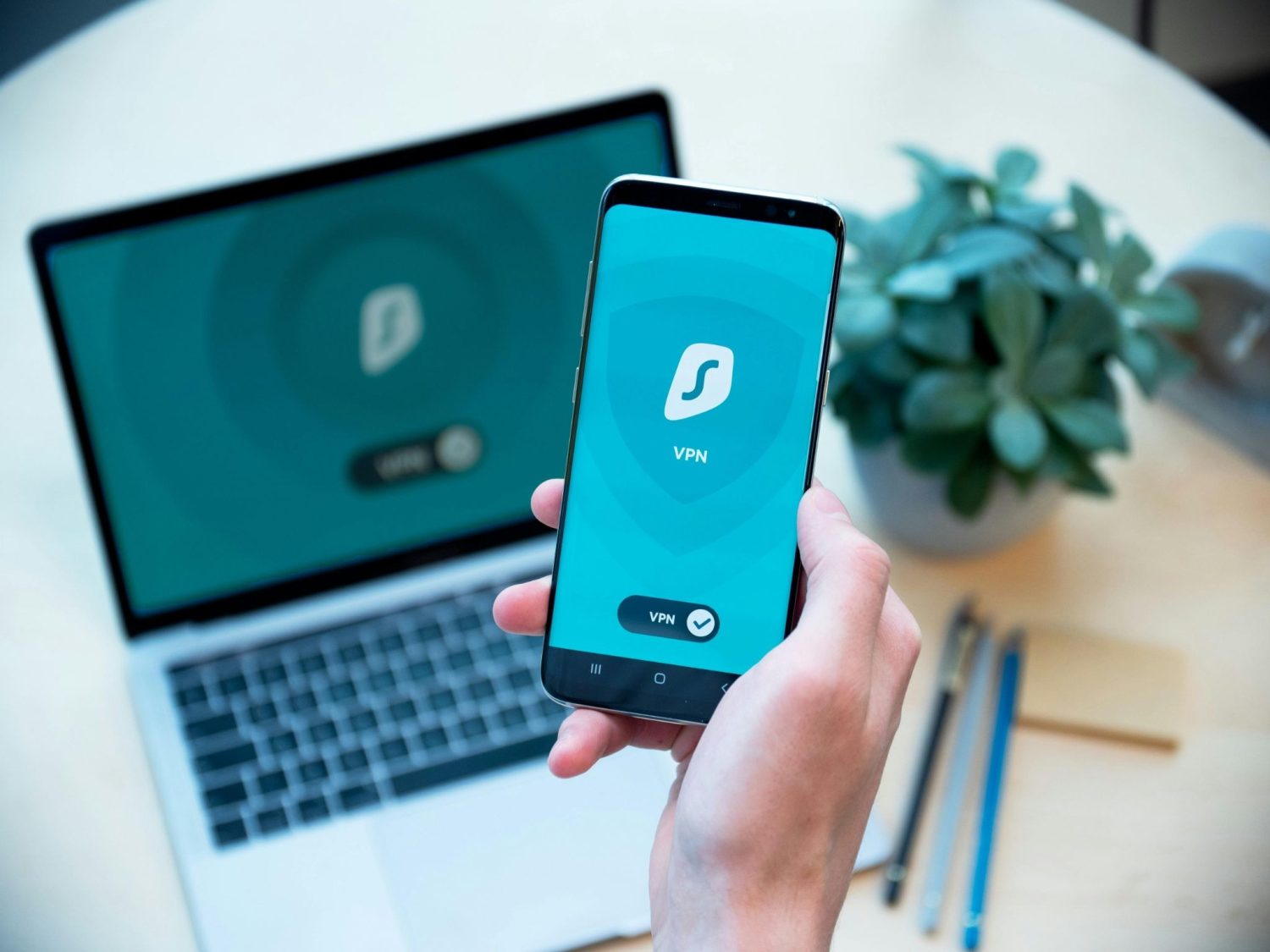
A VPN (Virtual Private Network) encrypts the connection between your employee’s device and your business systems. Think of it like a secure tunnel: even if someone intercepts the data travelling through it, they can’t read any of it.
What to do:
- Choose a business-grade VPN solution (not a free consumer VPN — these often have privacy and reliability issues).
- Ensure every remote worker connects through the VPN before accessing business systems, email, or shared files.
- If you already have a VPN, make sure it is fully up to date — outdated VPNs are a common attack target.
A local IT provider like Shropshire Computers can recommend and set up the right VPN solution for your team size and budget.
Step 2 — Enable Multi-Factor Authentication (MFA)
Multi-Factor Authentication (MFA) — also called Two-Factor Authentication or Two-Step Verification — requires users to confirm their identity in two ways before logging in. Typically this means a password plus a code sent to their phone or generated by an app.
MFA is one of the most effective security measures available. Even if an attacker steals a password, they still can’t get in without the second factor.
What to do:
- Enable MFA on every business account — especially Microsoft 365, Google Workspace, email, and any remote desktop or VPN access.
- Use an authenticator app (such as Microsoft Authenticator or Google Authenticator) rather than SMS codes where possible. SMS-based codes are better than nothing, but authenticator apps are more secure.
- The UK’s National Cyber Security Centre (NCSC) strongly recommends implementing Two-Step Verification as a priority for all organisations setting up home working.
Step 3 — Keep All Devices Updated
Software updates contain security patches — fixes for vulnerabilities that attackers actively look for and exploit. Keeping devices updated is one of the simplest and most effective things any business can do.
What to do:
- Turn on automatic updates for Windows (or macOS) on all business devices.
- Ensure Microsoft 365, browsers, and any other regularly used applications are kept up to date.
- Don’t forget mobile phones and tablets if staff use them for work email or apps.
- Check that any remote desktop software or VPN clients are also on their latest versions.
Step 4 — Use Secure, Business-Grade Collaboration Tools
Remote teams need to share files, communicate, and collaborate. The tools you use matter — consumer-grade or free apps often lack the security controls that business data requires.
What to do:
- Use Microsoft 365 or Google Workspace for email, file sharing, video calls, and document collaboration. Both offer strong built-in security controls.
- Avoid sharing work files via personal email accounts, WhatsApp, or free file-sharing services like WeTransfer (for sensitive data).
- Set up shared folders and permissions properly — staff should only have access to the files they need for their role.
- Make sure your team knows which tools are approved for work and which aren’t.
Step 5 — Set Up Remote Desktop Securely (If You Need It)
Some Shropshire businesses use Remote Desktop to give staff access to their office computer or a central server from home. This is a practical and common solution — but it needs to be set up securely.
Key points for secure Remote Desktop use:
- Always use Remote Desktop over a VPN — never expose Remote Desktop directly to the internet.
- Ensure all accounts with Remote Desktop access have strong, unique passwords and MFA enabled.
- Keep the Remote Desktop software and Windows updated (see Step 3 above).
- Be aware that Microsoft’s April 2026 Windows security update has introduced new security warning dialogs when opening remote desktop connections — these are normal and expected. Read our guide to the April 2026 Remote Desktop security warning.
If your business uses a Remote Desktop Services (RDS) server, Shropshire Computers can advise on the best configuration for both security and usability. Learn more about our RDS server support.
Step 6 — Create a Clear Remote Working Policy
Technical controls are only half the picture. Your staff also need to know the rules — what they’re allowed to do, what they should avoid, and what to do if something goes wrong.
A basic remote working policy should cover:
- Which devices are approved for remote work (company devices, or personal devices with conditions)
- Which tools are approved for work communications and file sharing
- Rules about using public Wi-Fi (always use the VPN if you must connect)
- What to do if a device is lost or stolen
- How to report a suspected phishing email or security incident
- Password rules — length, complexity, and not reusing passwords across accounts
You don’t need a lengthy legal document. A clear, one-page guide that your team has actually read is far more useful than a 20-page policy nobody looks at.
Step 7 — Train Your Staff
Technology alone doesn’t keep businesses safe. People are often the final line of defence — and sometimes the weakest link. Phishing attacks are becoming increasingly sophisticated, and remote workers are targeted more often because they work independently.
Practical staff training doesn’t have to be expensive:
- The NCSC offers a free online cyber security training module for staff that takes under 30 minutes and covers the most important threats.
- Run a short team briefing on how to spot phishing emails — look for urgency, unexpected requests, mismatched email addresses, and requests to click links or enter passwords.
- Make it easy and blame-free for staff to report something they’re unsure about. The faster a suspicious email or incident is reported, the faster it can be dealt with.
What Does the NCSC Say About Remote Working Security?
The National Cyber Security Centre (NCSC) is the UK government’s official authority on cyber security, and their guidance for small businesses is well worth following. Their home working guidance covers all of the steps above, and they also recommend:
- Setting strong passwords for all user accounts set up for remote access.
- Implementing Two-Step Verification (2SV) — what we’ve called MFA above — wherever it is available.
- Locking screens when devices are left unattended, particularly if other people are in the home.
- Knowing what to do if a device is lost or stolen — have a clear process for reporting this and, where possible, remote wipe capability.
The NCSC’s free Small Business Guide to Cyber Security and their guidance on home and remote working are excellent resource.
What Is Cyber Essentials — and Do Shropshire Businesses Need It?
Cyber Essentials is a UK government-backed certification scheme that helps businesses protect against the most common cyber threats. It covers five key areas: firewalls, secure configuration, user access control, malware protection, and patch management (keeping software updated).
Why Cyber Essentials matters for Shropshire businesses:
- It demonstrates to customers, partners, and suppliers that your business takes security seriously.
- It is a requirement for businesses that want to bid for UK government contracts.
- Going through the certification process often reveals security gaps you weren’t aware of.
- It is relatively affordable — especially with support from a local IT provider.
Shropshire Computers can support businesses through the Cyber Essentials certification process, from initial assessment to final sign-off. Find out more about Cyber Essentials support.
How Can Shropshire Computers Help Your Business?
We know that most small business owners in Shropshire aren’t IT experts — and they shouldn’t need to be. That’s what we’re here for.
Whether you’re just starting to think about remote working security, or you’ve already had a scare and want to make sure it doesn’t happen again, Shropshire Computers can help you:
- Assess your current remote working setup and identify the most important gaps.
- Set up and configure VPN, MFA, and secure remote desktop access.
- Support your team with clear, jargon-free guidance on staying safe online.
- Help you achieve Cyber Essentials certification if that’s the right step for your business.
- Provide ongoing IT support so you always have someone to call when something doesn’t look right.
We support small businesses across Shropshire — from sole traders in rural areas to growing firms in Shrewsbury, Telford, and beyond. We speak plain English, we respond quickly, and we genuinely care about keeping local businesses safe online.
Ready to make your remote working setup more secure?
Contact Shropshire Computers today
FAQs
What does “secure remote working” actually mean for a small business?
Secure remote working means ensuring that your staff can work from home — or anywhere outside the office — without exposing your business data, systems, or customer information to unnecessary risk. In practice, this means using a VPN, enabling Multi-Factor Authentication, keeping devices updated, using approved collaboration tools, and training staff to recognise threats like phishing emails.
Do I need a VPN for remote working?
Yes — for most small businesses, a VPN is an essential part of a secure remote working setup. A VPN encrypts the connection between your employee’s device and your business systems, so that even if someone intercepts the traffic, they cannot read it. This is especially important when staff work over home broadband or public Wi-Fi.
What is Multi-Factor Authentication (MFA) and why do I need it?
Multi-Factor Authentication (MFA) requires users to verify their identity in two ways when logging in — typically a password plus a code from an authenticator app or sent to their phone. Even if an attacker steals a password, MFA stops them logging in. The UK’s NCSC strongly recommends MFA for all business accounts, particularly email and remote access. It is one of the most effective and affordable security measures available.
Is it safe to let staff use personal devices for work?
It can be, with the right controls in place. Personal devices should have up-to-date software and antivirus protection, and staff should connect to business systems through a VPN. Ideally, sensitive work should be done on business-owned devices that your IT provider can manage and secure properly. Speak to Shropshire Computers if you’d like advice on a bring-your-own-device (BYOD) policy for your team.
How much does it cost to set up secure remote working for a small business?
The cost varies depending on your team size and existing setup, but many of the most important security measures are low-cost or free. Microsoft 365 Business plans (from around £5–£20 per user per month) include MFA, cloud file storage, and collaboration tools. VPN solutions for small businesses typically cost a few pounds per user per month. Staff training via the NCSC’s free online module costs nothing. Shropshire Computers can give you a clear, no-obligation quote for setting everything up and supporting your team on an ongoing basis.
What should I do if a remote worker’s device is lost or stolen?
Act quickly. Contact your IT provider immediately — if devices are managed, it may be possible to remotely wipe the device to prevent data from falling into the wrong hands. Change the passwords for any accounts the device had access to, and enable or check MFA on those accounts. Report the loss to the police and document it in case it affects your insurance. A good remote working policy should include a clear process for this scenario before it happens.
Does my Shropshire business need Cyber Essentials certification?
Not every business is required to hold Cyber Essentials certification, but it is strongly recommended. It is mandatory for businesses bidding for UK government contracts that involve handling sensitive information. For all other businesses, it provides a recognised and credible demonstration that your security fundamentals are in order — which increasingly matters to customers and partners. Shropshire Computers can guide you through the process.
How do I know if my current remote working setup is secure?
The honest answer is: if you haven’t had it reviewed by an IT professional, you may not know. Many businesses assume their setup is fine until something goes wrong. Shropshire Computers offers security reviews for local businesses — we’ll look at your current setup, identify any gaps, and give you a practical, prioritised list of steps to take.